Tips · 7 min read
How to organize lab scheduling in schools: a complete guide
The computer lab is the most fought-over room in most schools. Every teacher wants it, there are never enough slots, and someone always shows up to find the room already taken.
This guide shows you how to set up a lab scheduling system that actually works.
Why lab scheduling is hard
Labs are different from regular classrooms:
- Multiple teachers share them — a regular classroom belongs to one class. A lab belongs to everyone.
- They need preparation — software needs to be installed, equipment needs to be set up.
- Demand is higher than supply — most schools have 1-2 labs for 20+ teachers.
- Usage varies — some weeks are busy, others are empty. Without data, you can’t plan.
The old way — a paper sheet on the lab door — creates more problems than it solves. Teachers can’t check availability from home. Conflicts happen when two people write their name in the same slot. And at the end of the year, the admin has no data on how the lab was actually used.
Setting up lab scheduling: a practical guide
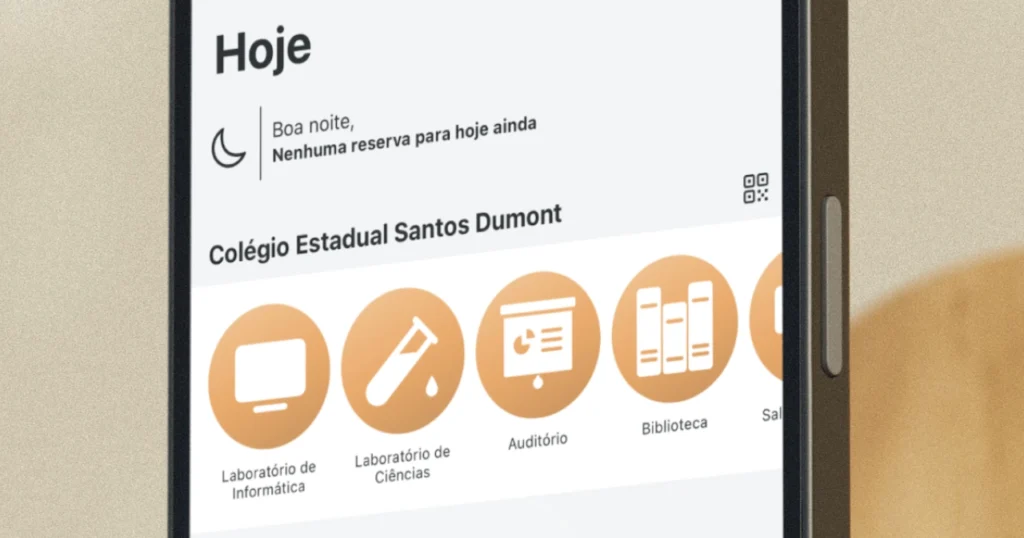
Step 1: map your spaces and equipment
List everything that needs scheduling:
- Computer lab (how many seats?)
- Science lab
- Library
- Auditorium
- Portable equipment (projectors, tablets, robots, etc.)
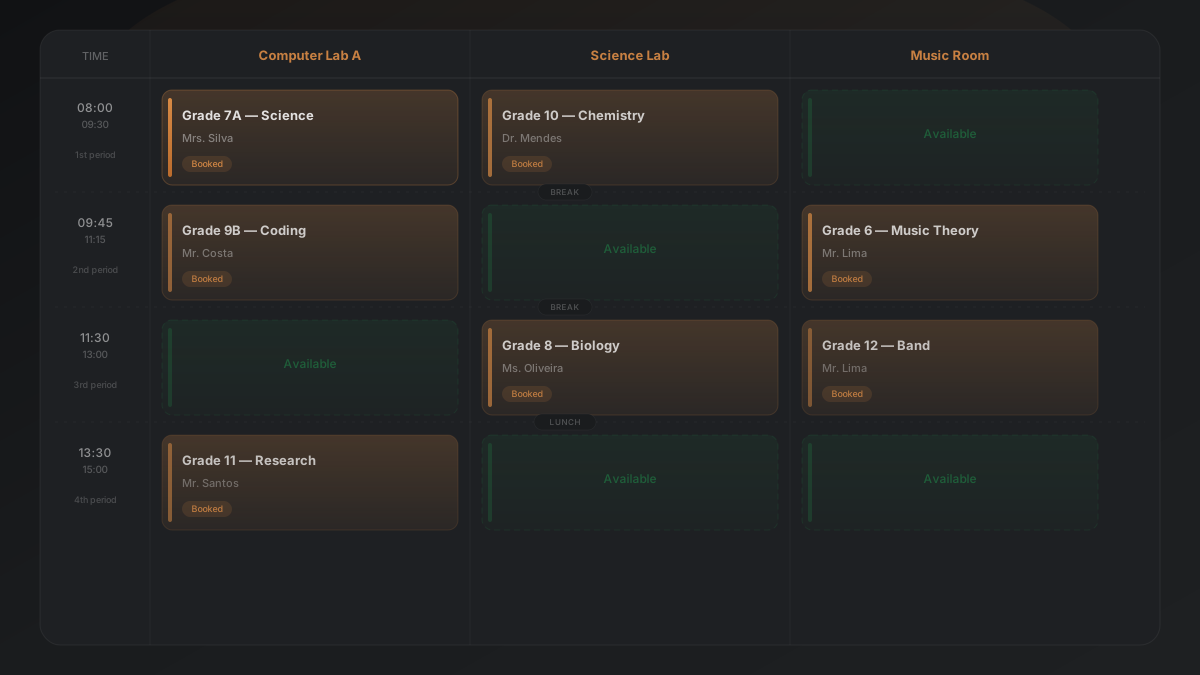
Each item gets its own schedule. A projector that moves between rooms needs its own booking system, separate from the lab itself.
Step 2: define your time blocks
Match your school’s shift structure:
Example — morning shift:
| Slot | Time |
|---|---|
| 1st period | 7:30 – 8:20 |
| 2nd period | 8:20 – 9:10 |
| 3rd period | 9:10 – 10:00 |
| Break | 10:00 – 10:20 |
| 4th period | 10:20 – 11:10 |
| 5th period | 11:10 – 12:00 |
Do this for each shift (morning, afternoon, evening). Some schools have different numbers of periods per shift — that’s fine, just map them all.
Step 3: set fixed reservations
Some slots might be permanently reserved. For example:
- Tuesday 3rd period → always reserved for the 8th grade science class
- Thursday 1st-2nd period → robotics club
Block these first. The remaining slots are open for anyone to book.
Step 4: choose your booking method
Option A: paper sheet on the door
- Works for very small schools (under 10 teachers)
- No cost
- No remote access, no conflict prevention, no reports
Option B: shared Google Sheet
- Free
- Accessible from anywhere
- But: no automatic conflict prevention, gets messy fast
Option C: dedicated scheduling app
- Prevents double bookings automatically
- Teachers book from their phone
- Admins get usage reports
- Built for this specific problem
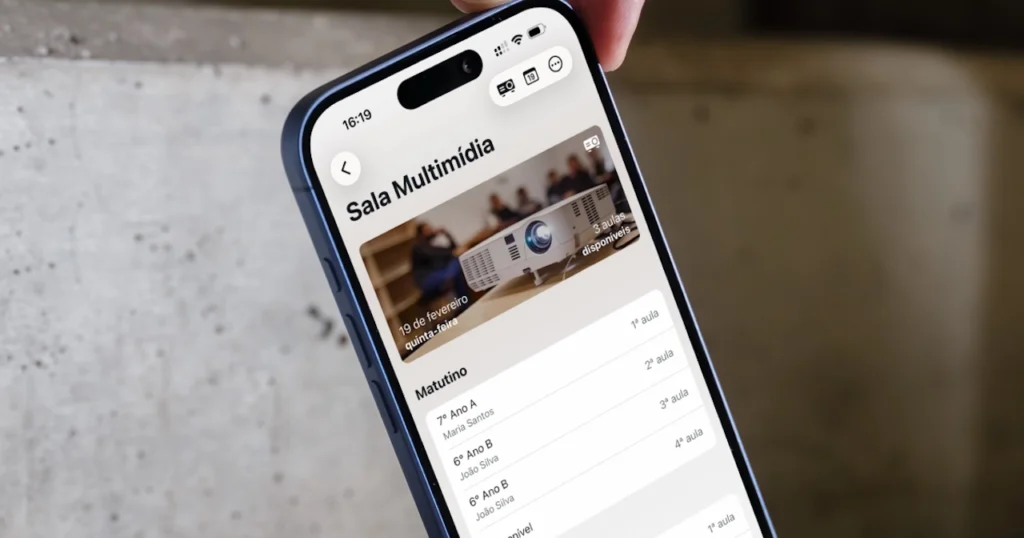
For option C, Agenda1 is a free app built specifically for school lab scheduling. Teachers see real-time availability on their phone, book a slot in seconds, and conflicts are prevented automatically. Admins can see who’s using what, how often, and export reports. Setup takes about 15 minutes.
Try it at agenda1.app.
Step 5: set clear rules
Write down the rules and share them with all teachers:
- How far in advance can you book? (1 day? 1 week? 1 month?)
- Can you book the same slot every week?
- What happens if you book but don’t show up?
- Who has priority if there’s a conflict?
- Can students book, or only teachers?
Keep the rules simple. The goal is to encourage use, not create bureaucracy.
Step 6: launch and communicate
- Set up the system on a Monday
- Announce it in the staff meeting
- Put a QR code in the teachers’ room
- Send the link on the school’s WhatsApp group
- Give teachers a week to try it before enforcing it
Step 7: review after one month
Look at the data:
- Which labs are overbooked?
- Which days/slots have the most demand?
- Are any teachers not using the system?
- Are there equipment requests you’re not meeting?
This data is gold. It tells you whether you need another lab, different time blocks, or just better communication.
Real results
Schools that move from paper to digital lab scheduling usually see:
- More lab usage — teachers book from home while planning their classes. They use labs more because it’s easier to schedule.
- Zero conflicts — the system doesn’t allow double bookings.
- Better planning — teachers plan ahead instead of hoping the lab is free.
- Data for decisions — admins know exactly what’s needed when budget time comes.
This same approach works for any shared space. See our guide to managing room bookings for a broader look, or browse free school management tools for teachers to find the right combination of tools.
Quick start checklist
- [ ] List all shared spaces and equipment
- [ ] Define time blocks for each shift
- [ ] Set any fixed/recurring reservations
- [ ] Pick a booking tool (paper, spreadsheet, or app)
- [ ] Write 3-5 simple booking rules
- [ ] Share with all teachers
- [ ] Review usage data after 30 days
The whole setup takes one afternoon. The time saved over a school year is measured in weeks.