Guides · 7 min read
Digital School Planner Review for Schools
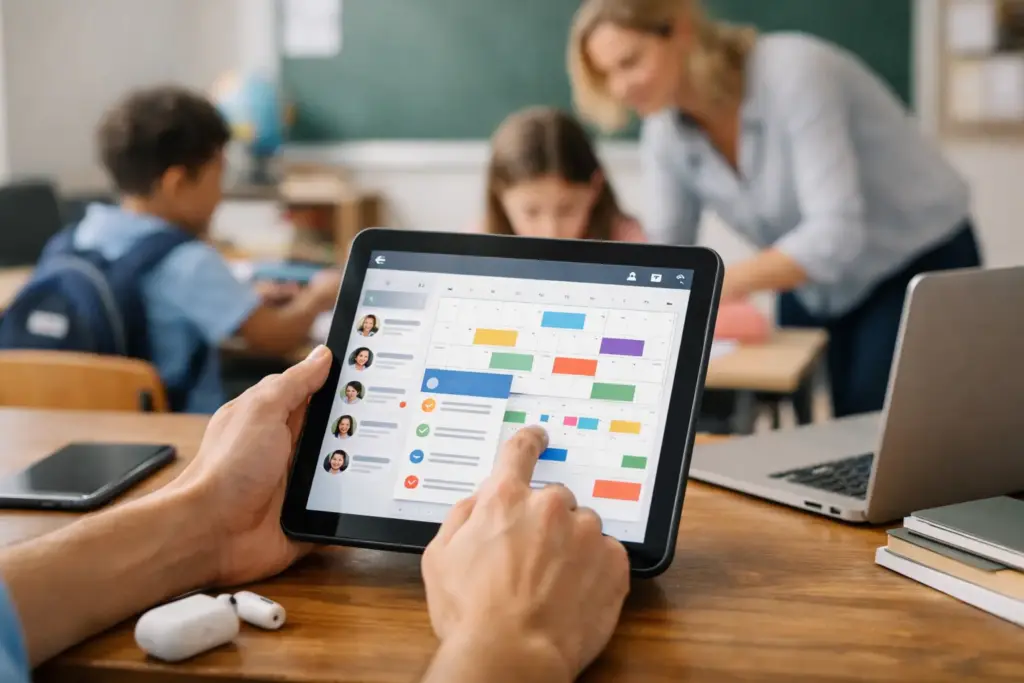
A classroom double-booked by two classes, an exam date that changes without reaching everyone, and a different spreadsheet for each department are signs of a routine that has lost visibility. A good digital school planner review needs to go beyond the app’s appearance: it should show whether the tool reduces conflicts, centralizes information, and is simple enough to be used every day.
For administrators, coordinators, and school leaders, the choice is not just between paper and technology. The decision involves the school’s ability to organize people, spaces, assessments, and calendars in a single environment, without creating yet another task for teachers and students.
What a digital school planner needs to solve
An effective digital planner should not be merely an online calendar. Standalone calendars help visualize dates, but they do not, by themselves, solve lab bookings, exam distribution, communication of changes, or class schedule inquiries.
In practice, the platform needs to offer a shared view of school operations. When a teacher books a room, administration should be able to track it. When an exam is scheduled, students need to find it without relying on scattered messages. When there’s a timetable change, the information should be available on mobile devices and in browsers.
The benefit lies in replacing parallel processes with a reliable source of information. This reduces repetitive questions, eliminates rework for administrative staff, and brings more predictability to academic routines.
Digital school planner review: criteria that matter
When evaluating options, it’s worth observing the tool’s actual use during a typical week of classes. Demonstrations often highlight attractive screens, but operations require answers to concrete situations: Can two teachers request the same resource? Is it possible to differentiate permissions? Can the school view activities by class, campus, and period?
Room and equipment booking without conflicts
Projectors, laboratories, auditoriums, gymnasiums, and meeting rooms have both pedagogical and operational value. When booking depends on a notebook, hallway conversations, or spreadsheets, conflicts appear precisely during the most contested time slots.
A good digital school planner should allow users to check availability before booking, record who made the request, and display commitments clearly. For schools with multiple campuses, separation by location is also crucial. It makes no sense for a booking at one campus to interfere with another’s schedule.
Here, fewer features is not always better. A very simple tool may work for a small school with few shared spaces. Institutions with higher class circulation need controls that match that complexity without turning booking into a bureaucratic process.
Exams, assignments, and academic calendar in one place
The concentration of assessments is a recurring pain point. Without a joint view, one class may receive multiple assignments and exams in the same week, while another has an unbalanced calendar. The problem is not just organizational: it affects the student experience and the quality of pedagogical planning.
Look for a solution that allows registering exams and assignments with dates, classes, and objective information. Ideally, coordinators should have visibility to guide adjustments and students should check their commitments independently. This does not eliminate conversation among teachers, but it creates a common foundation for it to happen with updated data.
The school calendar also needs to reflect the institution’s reality: local holidays, events, parent-teacher conferences, breaks, staff meetings, and special activities. A planner that only accommodates generic calendars ends up sending work back to external spreadsheets.
Class schedule accessible to those who need it
Teachers and students should not have to search for class schedules in old files, message groups, or bulletin boards. Lookup needs to be quick, especially for last-minute changes, substitutions, or non-standard activities.
Mobile experience makes a difference because school routines happen on the move. Between classes, users want to confirm which room they’ll be in, which resource was booked, or when an assessment will take place. A screen overloaded with information, however, can hinder more than help. The best design is one that presents the essentials according to access profile.
Adoption is part of the evaluation
A platform can have good features and still fail if it requires lengthy training or too many steps for simple tasks. Therefore, a responsible review should consider onboarding, menu clarity, and ease of adding users.
The first week of use typically defines the community’s perception. If teachers can check schedules and book a resource in a few minutes, the chance of adoption increases. If students understand where to see their exams and assignments without needing help, the school reduces the burden on the office and coordination.
It’s also worth observing how the platform handles different profiles. Administration, coordination, teachers, and students do not need the same permissions. Management should maintain control over calendars and settings, while each user accesses what is relevant to their routine. This division reduces errors and avoids unnecessary exposure of information.
Free access for teachers and students can be an important factor here. It reduces the entry barrier for the user base and allows the school to concentrate investment in the administrative layer, where institutional control resources reside.
Cost-benefit is not just annual price
When comparing plans, it’s common to look only at subscription cost. But the real cost of a fragmented planner includes staff hours resolving room conflicts, resending exam dates, updating spreadsheets, and answering questions that could be resolved with a simple lookup.
The most suitable model depends on the school’s size and structure. A small institution may prioritize a straightforward solution with essential features and quick implementation. A network or multi-campus school needs to verify whether there’s support for multiple sites, administrator management, and consolidated operational view.
Before contracting, ask objective questions: Is billing per school, per administrator, or per user? Do teachers and students pay for access? Is there a limit on classes, bookings, or campuses? Can the platform start at one campus and scale with the institution’s expansion? These answers make comparison fairer than analyzing only the entry price.
How to test before deciding
The best test is not to register an empty schedule. Build a scenario close to your school’s reality: create classes, add some teachers, register exams, try booking the same lab at two time slots, and check the schedule as a student. Then, ask people with different profiles to perform these tasks without detailed guidance.
Observe where questions arise. If the team doesn’t understand how to find a commitment or if booking requires too many steps, that friction will appear at scale when the entire community enters the platform. Also check whether information remains clear after multiple activities are registered. A tool works well not just on the first day, but during the busiest period of the calendar.
Agenda1 is an example of a solution focused on this integrated routine, bringing together space and equipment booking, class schedules, exams, assignments, and calendars in an environment accessible via app and browser. For management, the central point is to evaluate whether this centralization corresponds to the processes the school already needs to coordinate.
The right choice creates routine, not dependency
A digital school planner does not replace pedagogical planning nor solve communication failures on its own. It offers a common place for planning to become visible, accessible, and less subject to misunderstandings.
At the end of the evaluation, choose the tool your community will be able to use frequently, not the one that seems most complete in a presentation. When teachers, students, and administration find what they need in one place, organization stops depending on the memory of a few people and becomes part of the school’s routine.